Product tour
A week in Enovito, step by step.
The real app with a fictional company, Aurora Studio d.o.o. Use the arrow keys or swipe; the numbered dots on each screen point to what the step is about.
-
Step 1 of 7
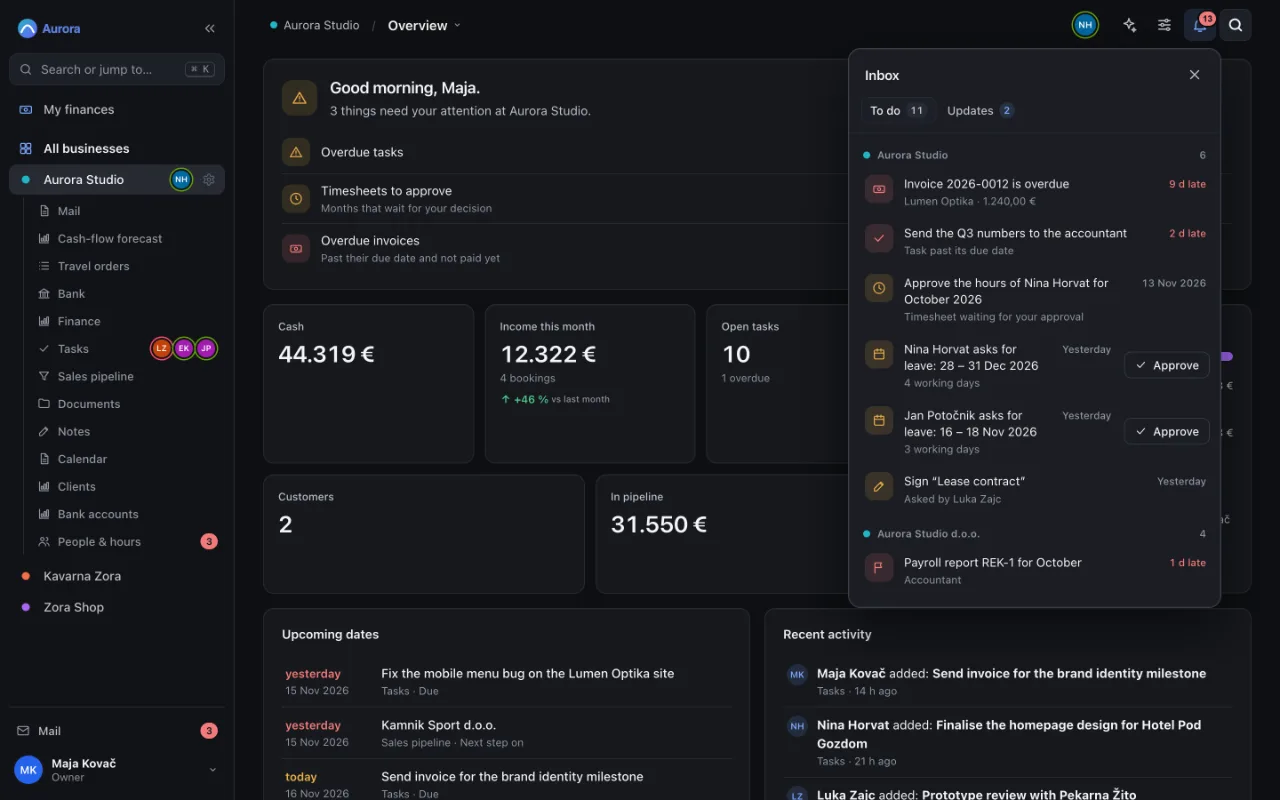
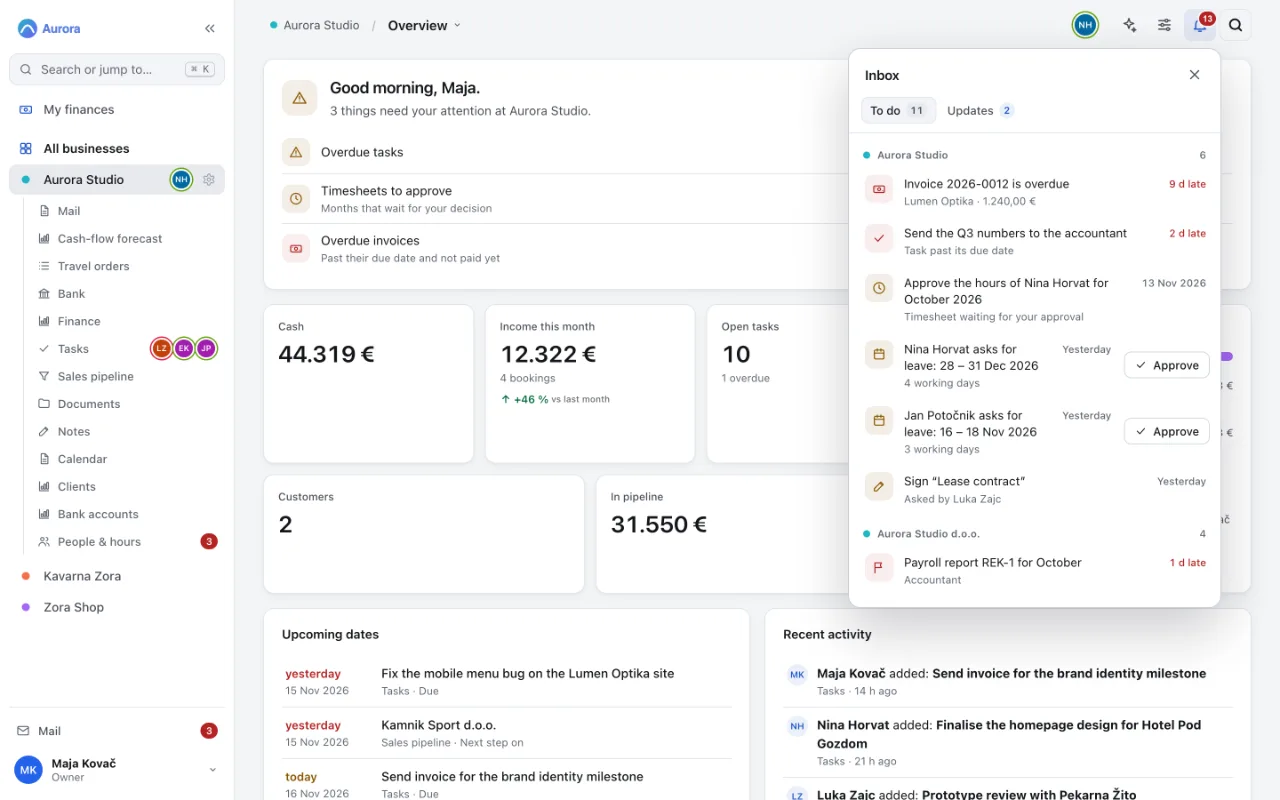
Monday morning: what waits for you
One inbox for every company: overdue invoices, late tasks, timesheets and leave requests, each with how late it is.
- An overdue invoice, with the days it is late
- Approve leave without leaving the list
-
Step 2 of 7
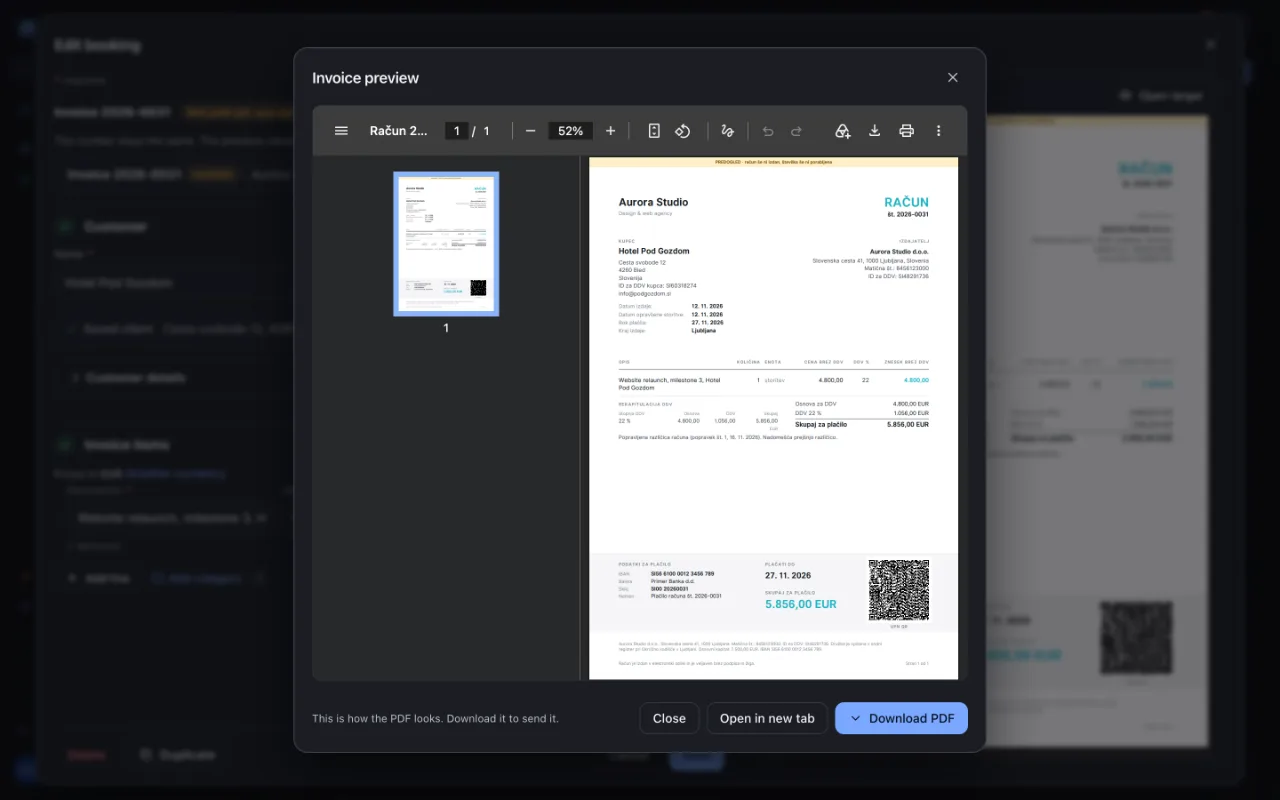
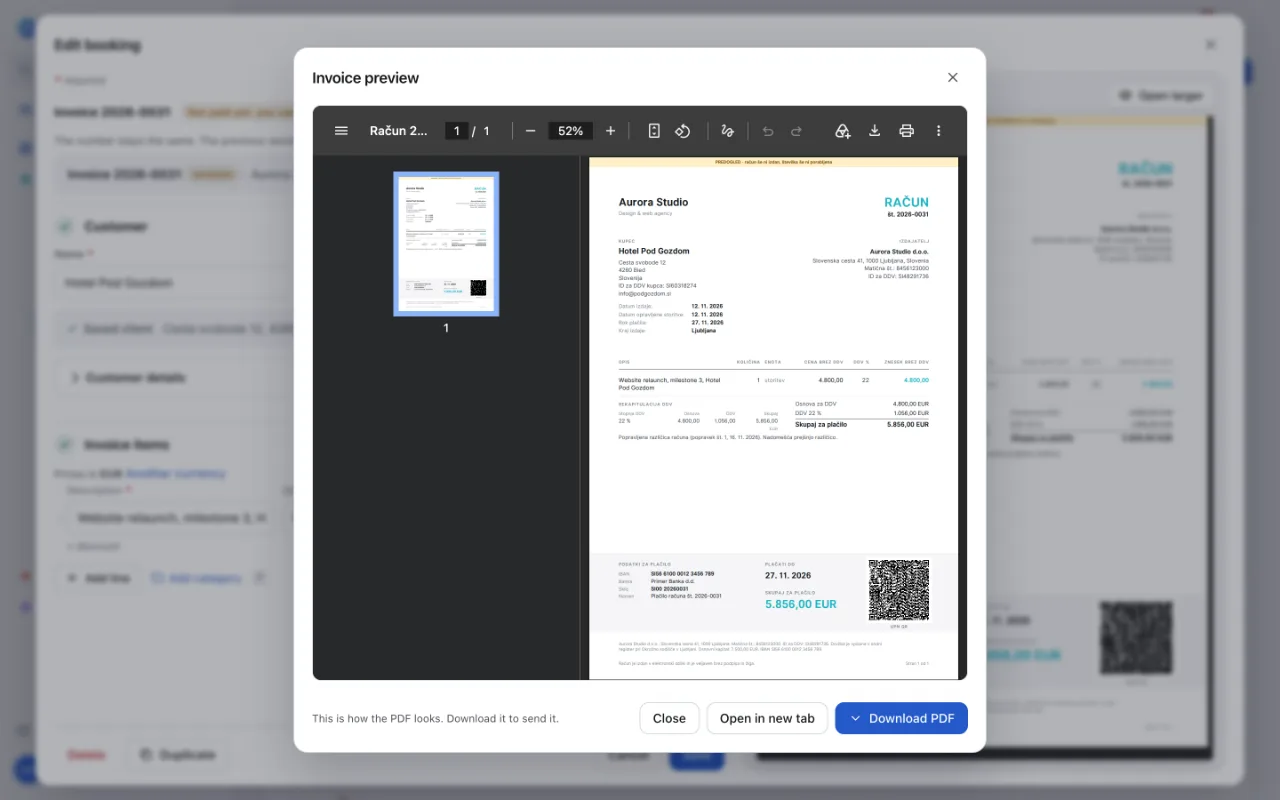
Send an invoice
A Slovenian invoice with the right dates and VAT wording, ready as a PDF or as an eSLOG 2.0 e-invoice.
- A UPN QR code your customer scans to pay
- Download the PDF and send it
-
Step 3 of 7
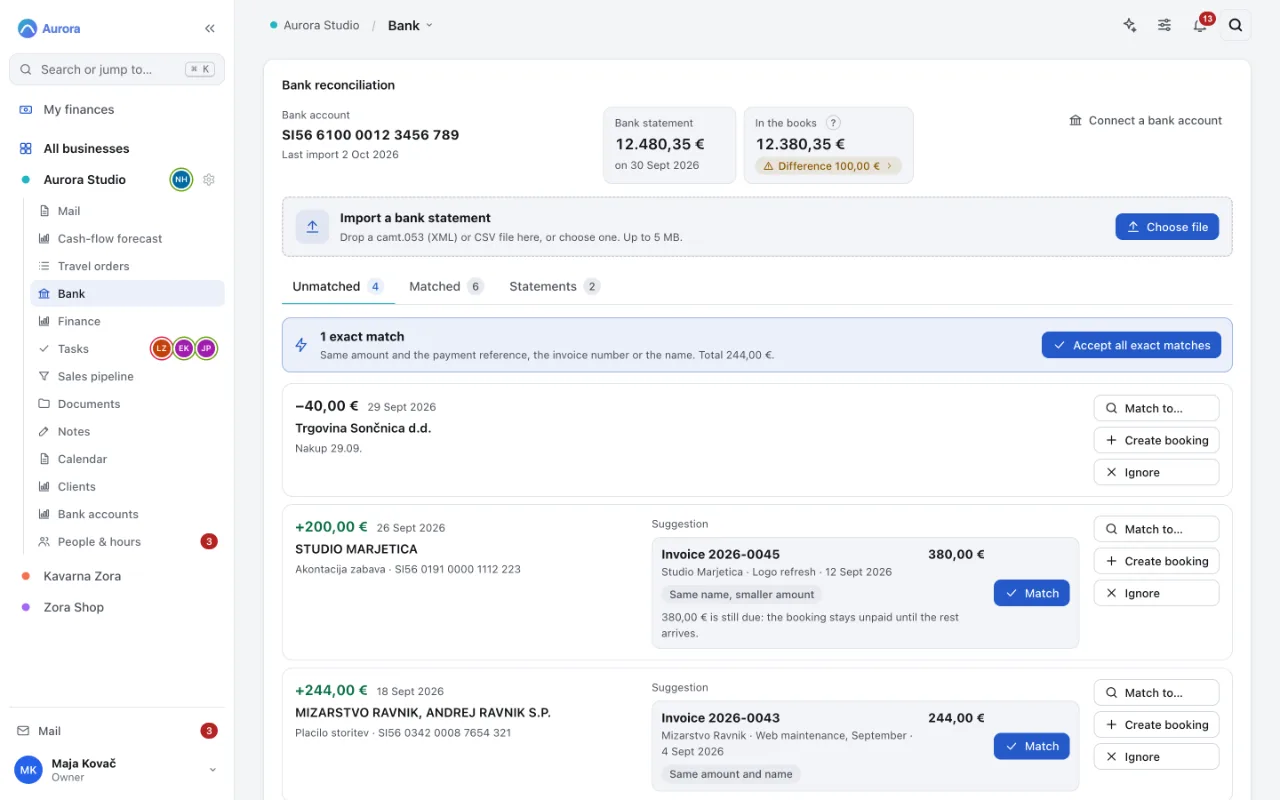
The payment arrives
Import the statement your bank gives you. Payments find their invoices by reference, number or name.
- Accept every exact match in one click
- A suggestion for the rest, explained

-
Step 4 of 7
Paper comes in
Scan a receipt or a signed contract with your phone. Pages are outlined, straightened and saved as one PDF in the right folder.
- Every page in one PDF
- Save to the right folder


-
Step 5 of 7
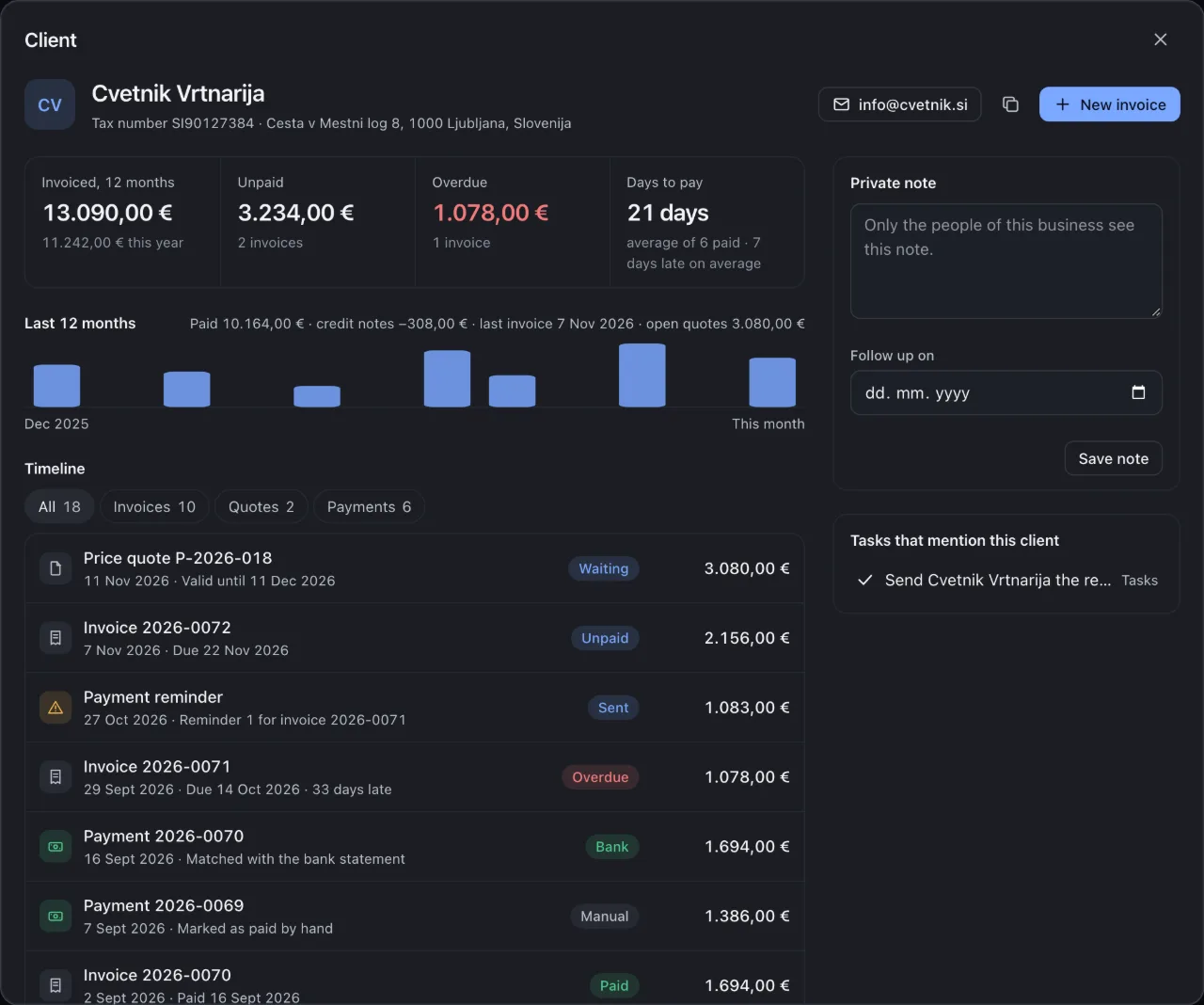
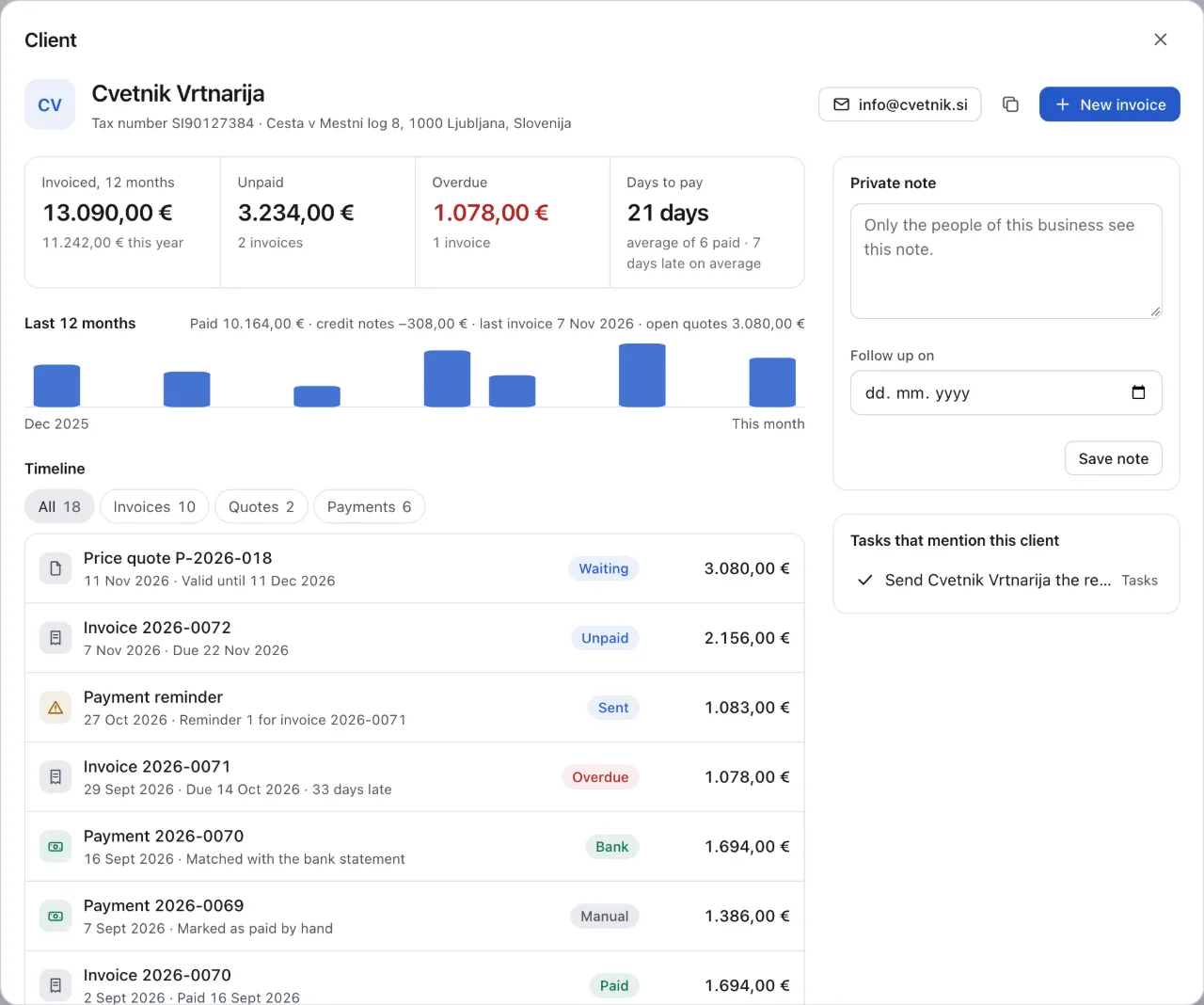
Who owes us?
One page per client: invoiced, unpaid, overdue, how many days they take to pay, and every quote, invoice, reminder and payment in order.
- Overdue, at a glance
- The invoice behind it, with the days late
-
Step 6 of 7
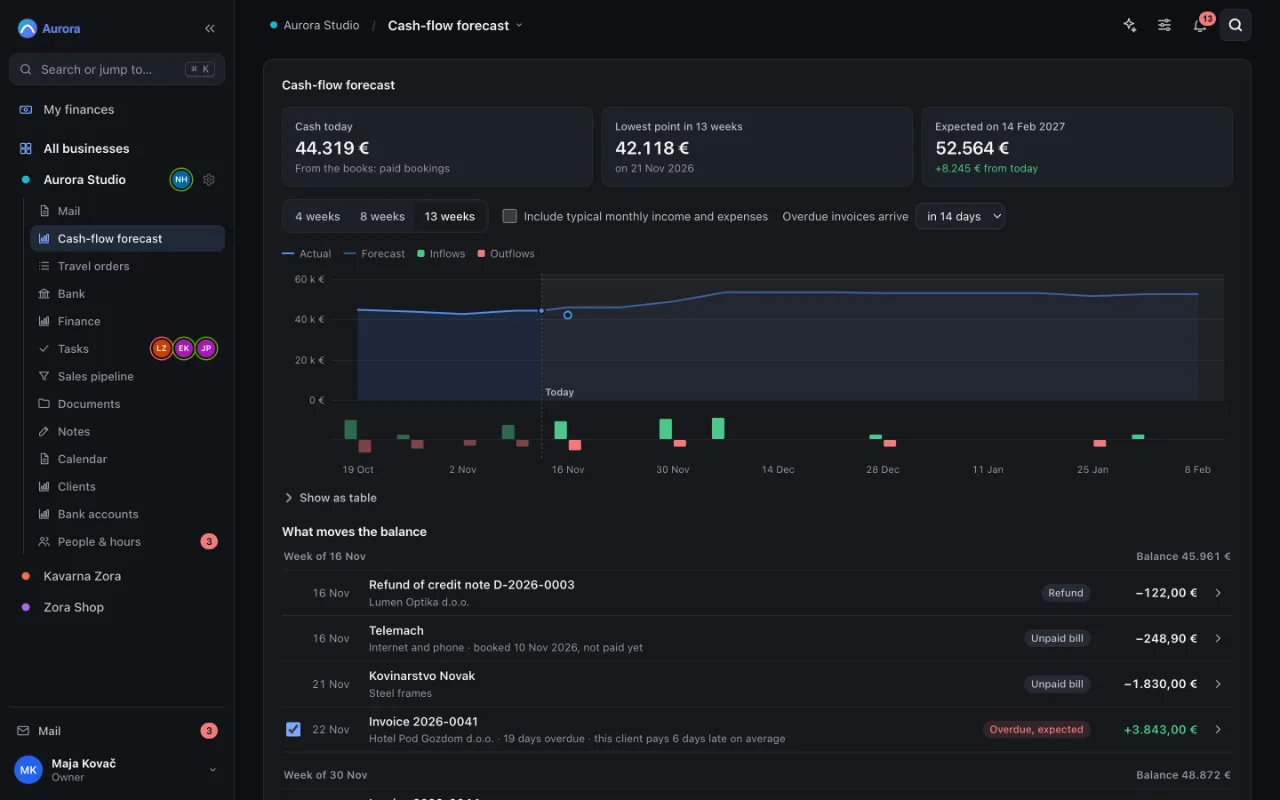
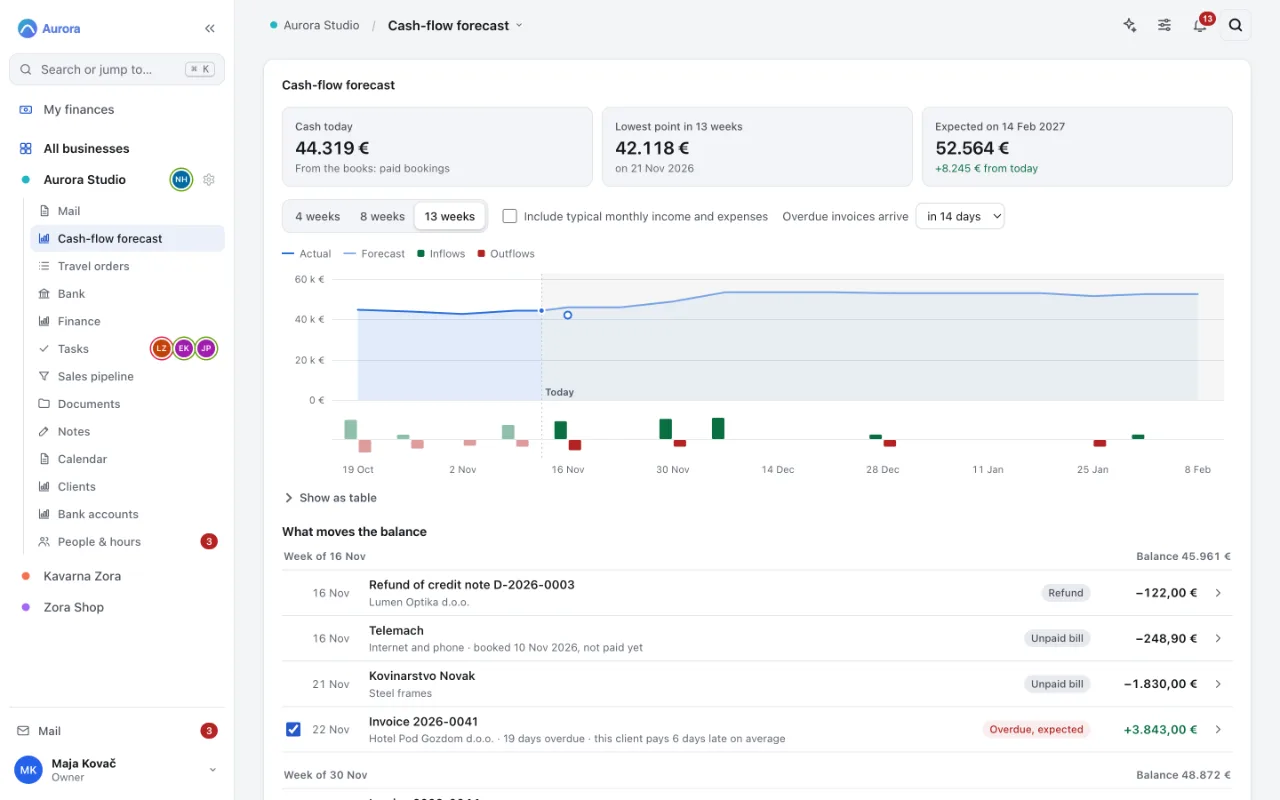
Will we have enough cash?
The next 13 weeks of cash, from your own invoices and bills, with the lowest point marked.
- The lowest point ahead, and when
- Untick an invoice: what if this client does not pay?
-
Step 7 of 7
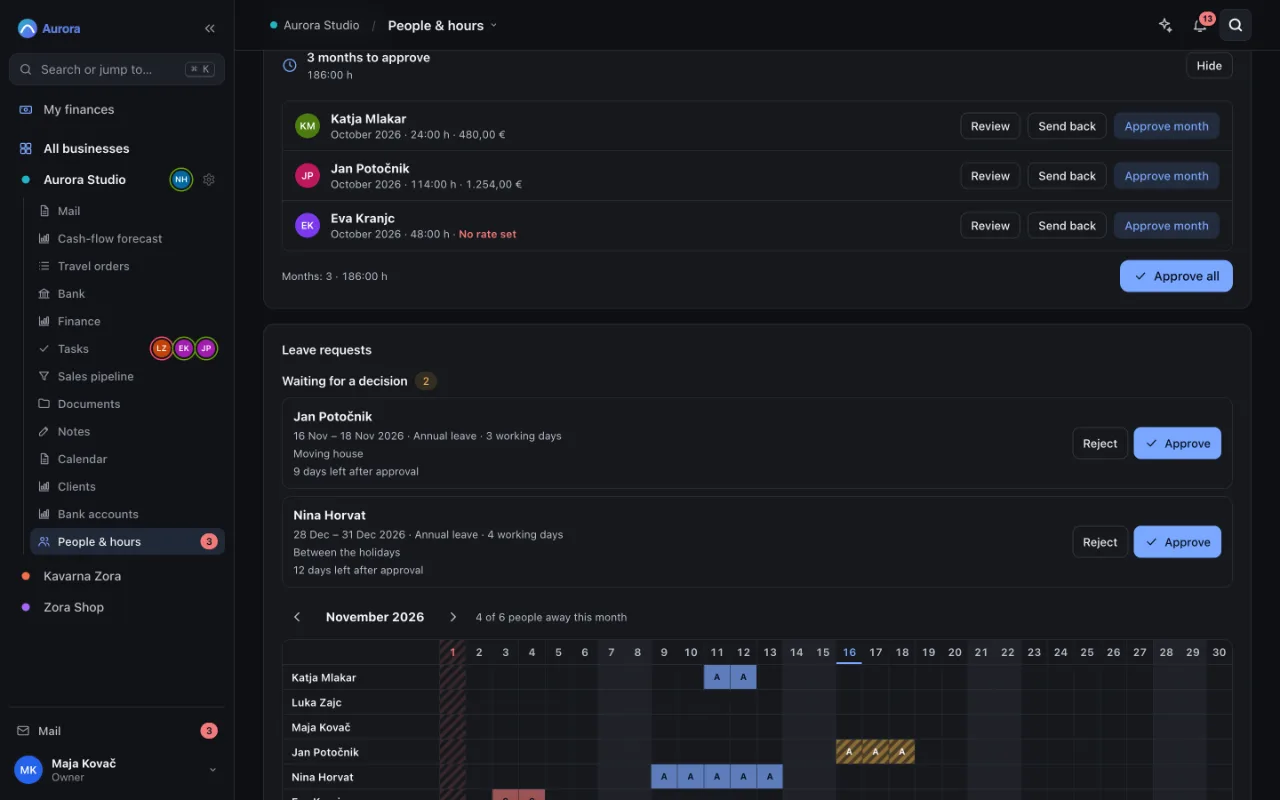
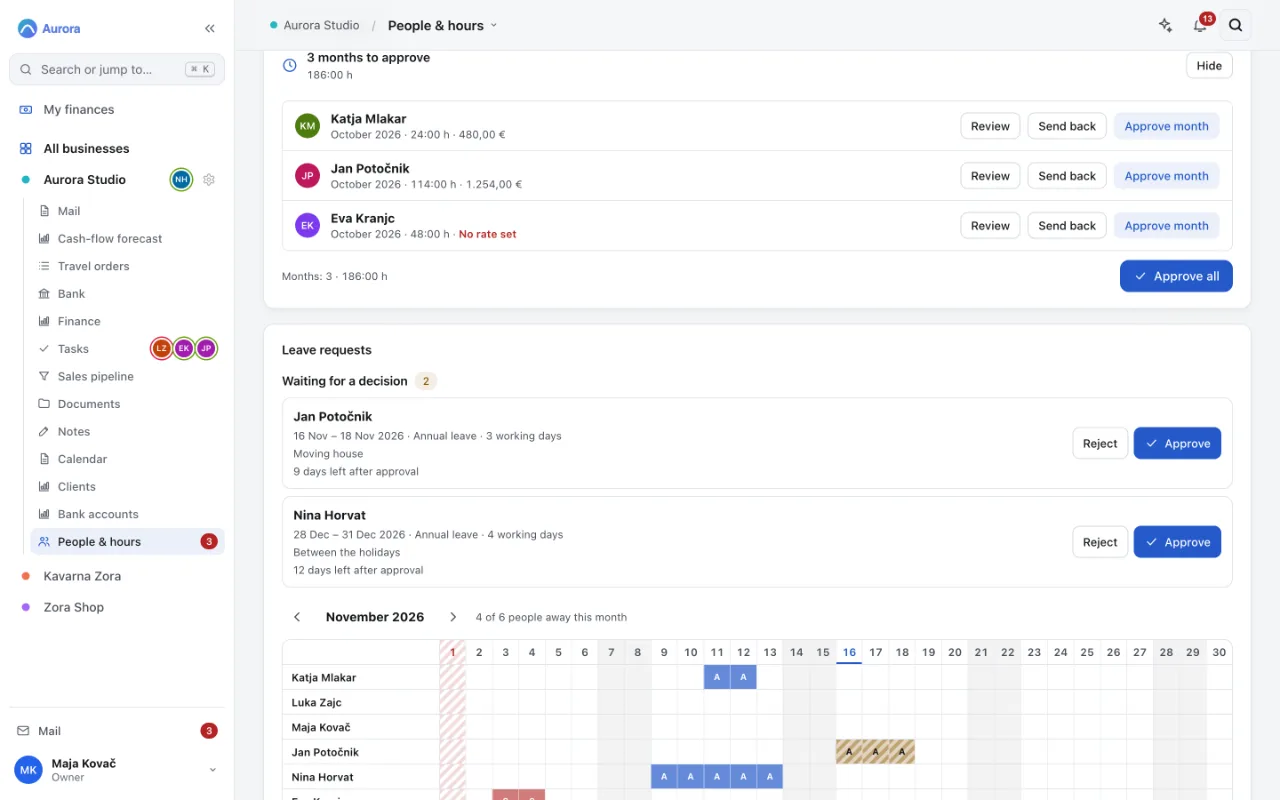
The month for your accountant
Approve the month's hours and leave. Approved hours go into the payroll export and the monthly package for your accountant.
- Approve every month that waits, at once
- Leave requests, with the days left
Screenshots of the real app with a fictional company, Aurora Studio d.o.o.
Try it on your own month end.
Thirty days, your own private instance, no card. If it is not for you, we delete everything and part as friends.
No card. We set up your private instance by hand, normally within one working day.